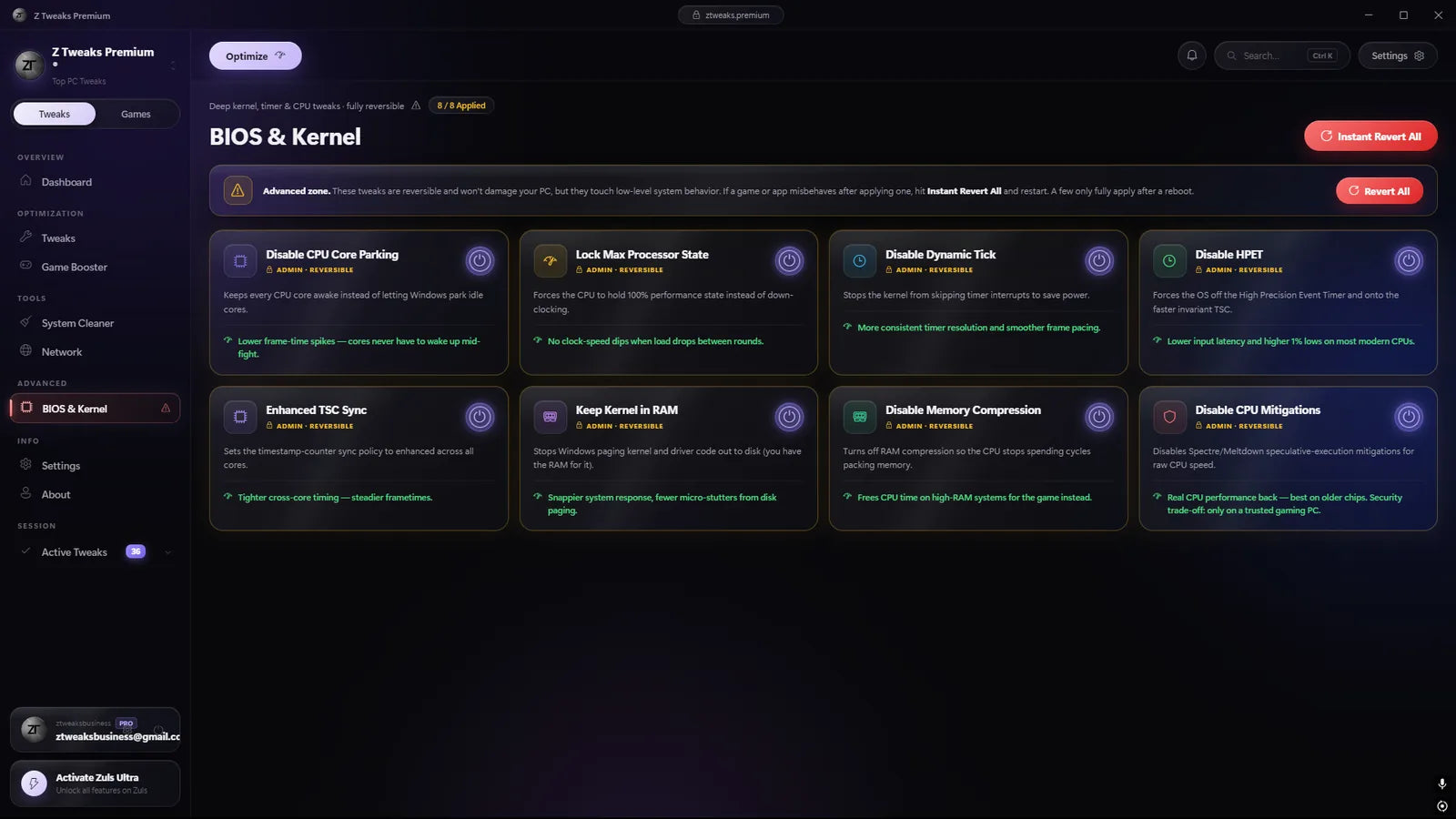
BIOS Optimization
Fine-tunes supported BIOS settings around system performance and responsiveness.
10,000+ players already tuned
ZTweaks delivers next-generation PC optimization and macro automation, engineered for players who refuse to leave a single frame on the table.
Fine-tunes supported BIOS settings around system performance and responsiveness.
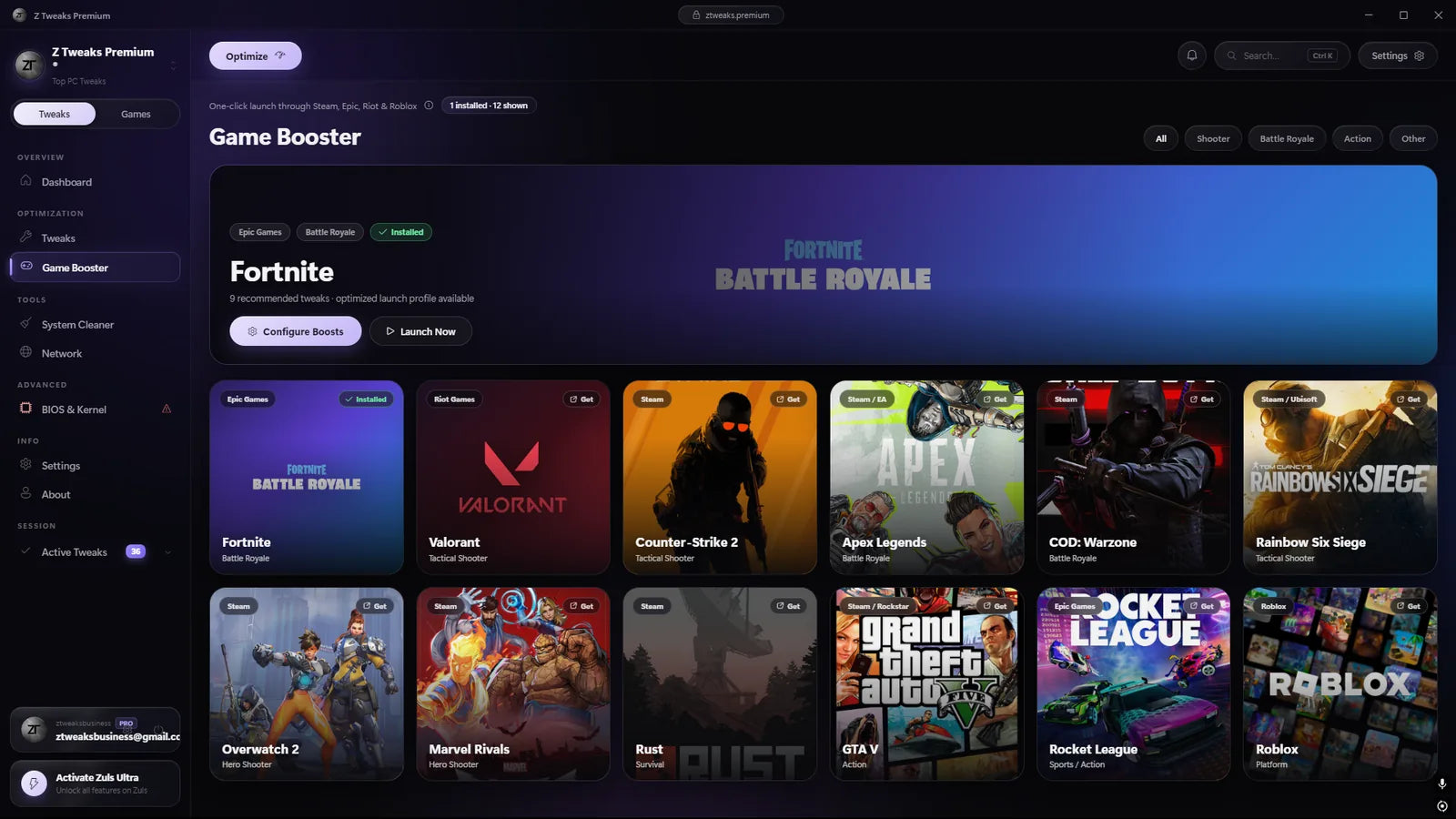
Applies tuning selected around the requirements of supported games.
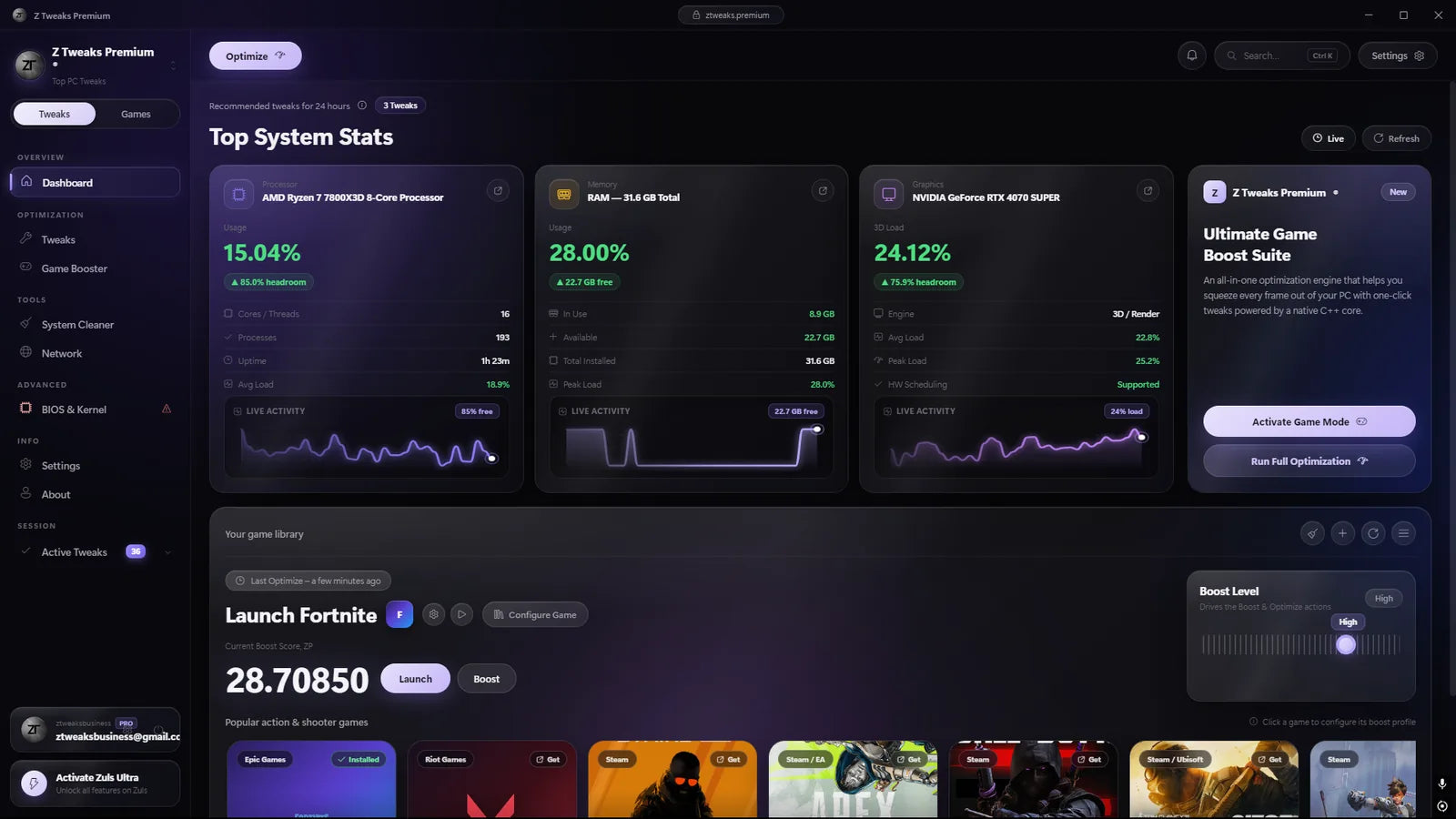
Reduces selected nonessential background processes to free system resources.
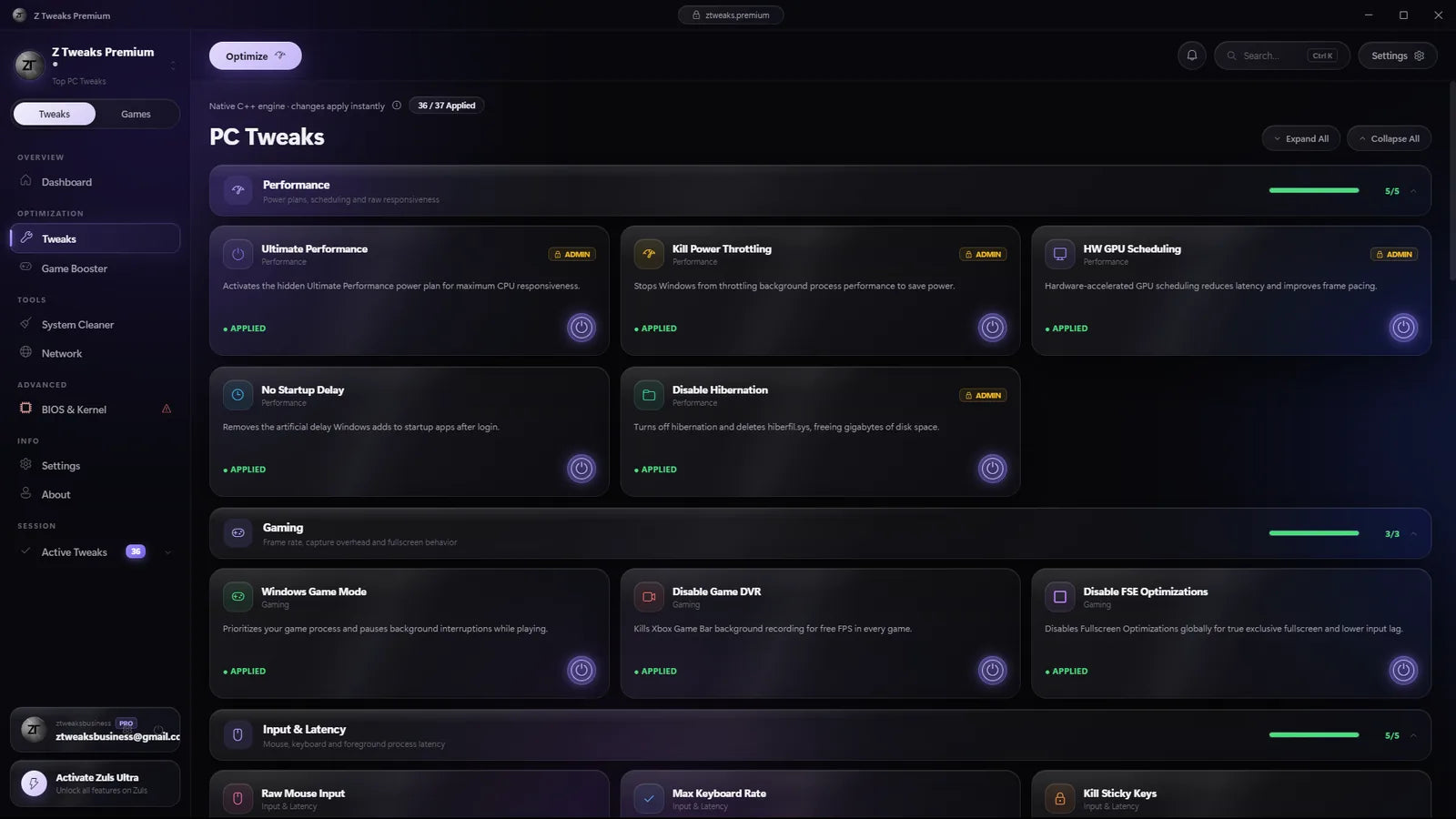
Applies selected Windows settings designed for smoother system and game performance.
One-time payment, no subscription, and every change reverses in one click.
Keyboard macro with adjustable delays, designed for the fastest possible edit speed and consistency, with lifetime access.
Complete optimization suite including all professional products, with premium support and lifetime updates.
Complete optimization that goes beyond software tweaks — BIOS configuration combined with game-specific profiles for maximum performance.
A practical look at the Windows systems ZTweaks adjusts and why each one can affect consistency, responsiveness, or background load.
Games render each frame on a schedule. Background processes, driver work, or power-state changes can interrupt that schedule and create uneven frame times. ZTweaks reduces selected sources of background contention so the game has a more consistent path to the CPU and GPU.
A tall bar represents a frame that took longer than its target time to render.
Manual key sequences naturally vary from one attempt to the next. A configured macro runs the same approved sequence with the same intervals each time, making actions such as drag, edit, or build inputs easier to repeat consistently.
The timeline compares uneven manual spacing with a fixed programmed interval.
A mouse or controller input passes through USB polling, Windows scheduling, the game engine, and the render queue before it appears on screen. The optimizer targets selected Windows and power settings that can add avoidable waiting between those stages.
Highlighted stages show where an input can wait for system or render work to finish.
Windows and installed applications can start services, scheduled tasks, and update helpers in the background. ZTweaks disables or removes only the selected items included in the chosen product, reducing unnecessary CPU, memory, and disk activity while gaming.
The exact processes changed depend on the product and the options selected during setup.
Restore controls reverse supported changes without requiring a Windows reinstall.
Before supported system changes are applied, the setup creates a recovery path. The restore option returns those settings toward their previous state, giving users a clear way to undo the optimization if a configuration does not suit their PC.
The Discord is open. Read the support channels, see what people are asking and how fast they get answers, then decide. No purchase needed to join.
“So helpful! They gave incredibly clear directions and helped me fix all my issues. 10/10 customer service!”
“Zero delay genuinely feels like playing on 0 ping, and the premium optimizer keeps my FPS at 360 stable.”
“The KBM macro goes is insane! The team helped me set everything up step-by-step, couldn't ask for better support.”
ZTweaks is a set of PC optimisation tools and game macros built for competitive players. The optimisers tune every layer that costs you frames or input lag — BIOS-level and kernel settings, the Windows scheduler, power, GPU pipeline and network stack — and the macro packs automate edits, builds and inputs. It is for anyone who wants their hardware to perform the way it was built to, whether you are grinding ranked or playing at a professional level.
Yes. Every change is software-level only — Windows settings, registry, drivers and network parameters — so nothing is flashed, no hardware is modified and your manufacturer warranty is untouched. The app creates a Windows restore point before it applies anything, and every tweak has its own revert switch. If anything feels off, even a week later, hit Instant Revert All and you are back to exactly where you started.
The optimisers work entirely at the operating-system and hardware layer: they never inject into a game, modify game files or interact with anti-cheat drivers, and they are safe to use with any title. Macros are different — they send normal keyboard and mouse input, but some games treat automated input as against their rules, so please read your game's policy and use macros at your own discretion. Full details are in our Terms of Service.
It depends on your system. Older PCs and stock Windows installs see the biggest jump, because that is where the most performance is sitting unused; a freshly built, already-tuned rig gains less in raw frames and more in consistency — steadier frame pacing and lower input latency. Results vary, and every product page tells you exactly what it changes so you know what to expect before you buy.
A 64-bit PC running Windows 10 (version 1903 or later) or Windows 11, any edition. Intel and AMD are both supported and a dedicated NVIDIA or AMD GPU gets the most out of the graphics tweaks, but the apps themselves are light and run fine on older laptops. macOS and Linux are not supported.
Your download link and licence key are emailed the moment checkout completes (check spam if it is not there within five minutes). Every product is a one-time payment, not a subscription, and includes lifetime updates. Licences come in 1-, 2- and 5-PC options — pick the one that matches how many machines you play on. If you ever need help, open a ticket in the Discord and the team will sort it with you.


